
An art departmentfor your agent.
Generate AI game assets from your terminal. One skill, and your agent makes models, textures, animation, and audio.
Works with Claude Code, Codex, Cursor, and OpenCode.
Ensure Node.js (>= 18) is installed. Install the Sandscape skill globally: npx -y @sandscape/cli@latest skill install Then use it to generate the models, textures, and audio this game needs.
Your agent writes. Sandscape makes it look like something.
A coding agent can already write your game logic. What it cannot do is model a character, paint a texture, or score a level. That is the half this connects.
Install the skill
One command drops the sandscape-cli skill into your agent. It handles login and project sync from there.
Ask for the asset
Describe what the game needs in plain language. The agent calls the generation stack and writes the result into your project.
Open it in the editors
Pull it into Sandscape and shape it by hand. Nothing is a black box you have to accept.
What your agent can make for you.
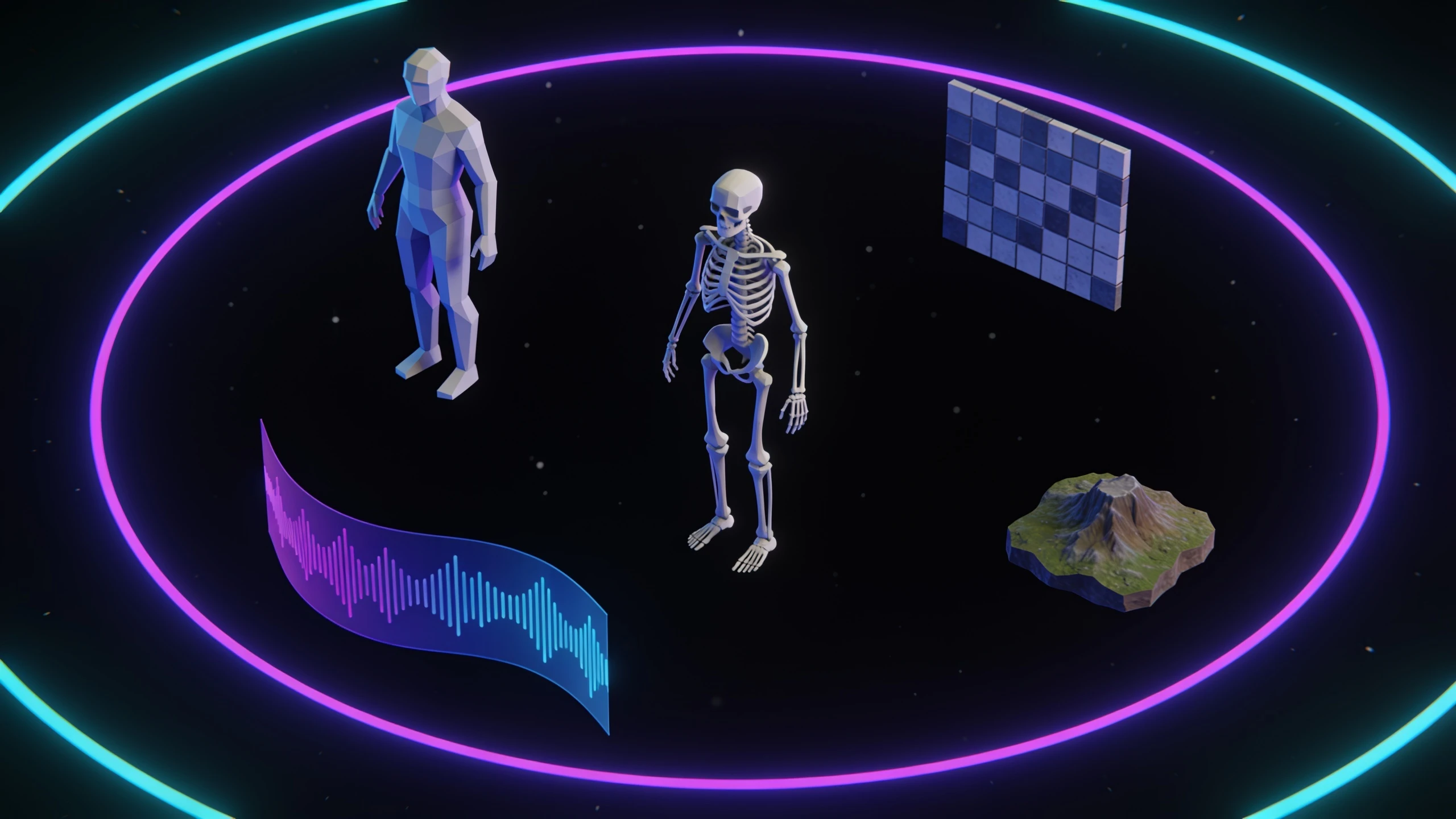
The same generation stack that builds games inside Sandscape, reachable from your terminal.
- 3D models
- Meshes from a concept image or a description, game-ready.
- Character rigs
- Skeletons and skinning so a character can actually move.
- Animation
- Retargeted clips driven onto the rig you already have.
- Concept art
- Characters, props, and environments in one consistent style.
- Textures
- Tiling atlases, material maps, and background removal.
- Music and SFX
- Score, ambience, and one-shot effects from a text prompt.
- Voice
- Synthesis, voice design, and voice conversion for characters.
- Worlds
- Panoramas converted into Gaussian splat environments.
Then open it in a real editor.
Generated assets land in your project as real files you can edit, version, and take with you. Every one opens in a Sandscape editor built for that job.
Level editor
Compose terrain, props, and lighting into the space players move through.
Character creator
Rework the model your agent generated until it matches the design.
Animation editor
Key and retime movement on the rig, frame by frame.
Shape and material
Sculpt the silhouette and rebuild the surfaces with the shared material library.
It goes back the way it came.
Edit in Sandscape, pull the changes into your repo, keep coding. The project is a folder on your disk the whole time.
Questions about agents and assets.
Install the Sandscape Agent Skill with npx -y @sandscape/cli@latest skill install. Your coding agent can then ask the Sandscape generation stack for models, rigs, animation, textures, audio, and voice, and write the results straight into your project folder.
The skill installs into Claude Code, Codex, Cursor, and OpenCode, plus the cross-tool ~/.agents/skills directory that any compatible harness reads.
No. Connect any existing web game folder with sandscape init. The generation and editor stack works on projects that started life somewhere else.
Everything opens in a Sandscape editor: level editor, character creator, animation editor, and the shared material and shader library. Assets are real files in your project, not locked outputs. Rights and licences are governed by the current Terms.
The CLI and the account are free. Generation runs on credits, and each response tells your agent how much headroom is left before it spends more.
Your agent codes it.We make it a game.
Create your account, install the skill, and point your agent at Sandscape.